How Codera works
From idea to production software in five steps - on infrastructure and code you own.
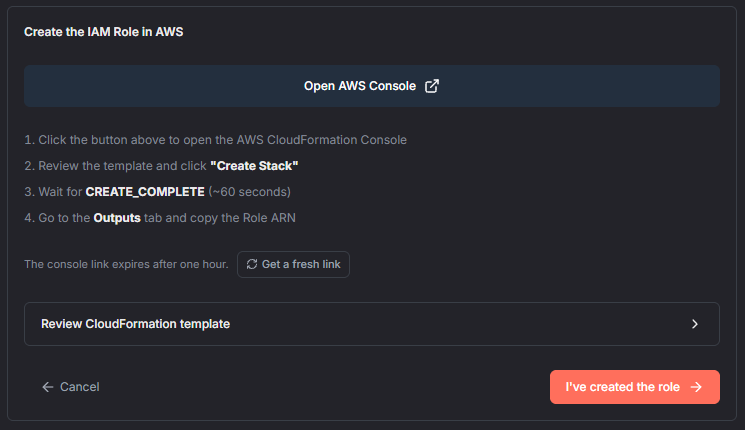
Connect your GitHub and AWS
Connect your GitHub organization and your AWS account with a guided, one-click setup. Codera creates repositories in your GitHub and deploys into your AWS - and you can revoke access at any time.
- One-click AWS account connection
- GitHub App for your organization (or AWS CodeCommit)
- Revoke access anytime
- Your data never leaves your account
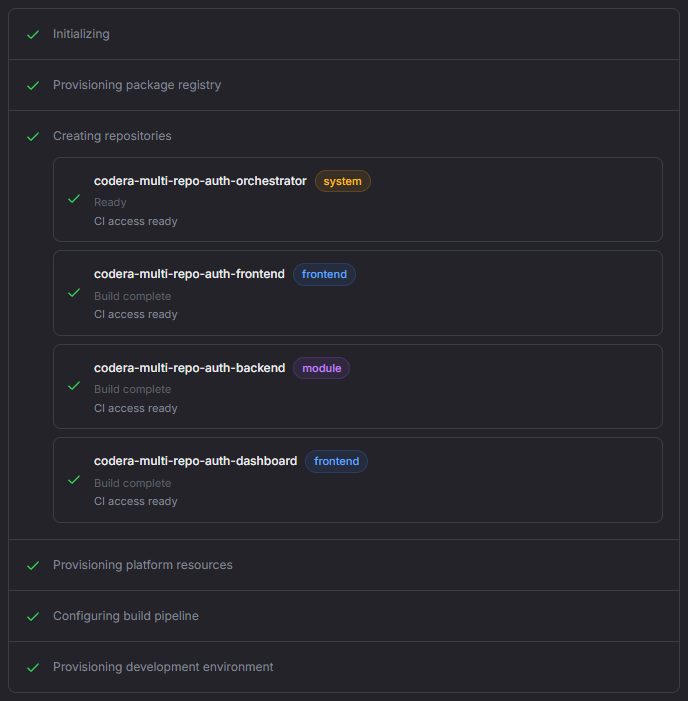
Start from a template
Create a project from a template and get working software from the first minute - a frontend with sign-in, a backend, and an admin dashboard, already wired together in your repositories.
- Authenticated web app, SAM, CDK, and workflow templates
- Install into existing repos on a fresh branch
- Your organization's own templates
- Add frontends and modules later with Blueprints
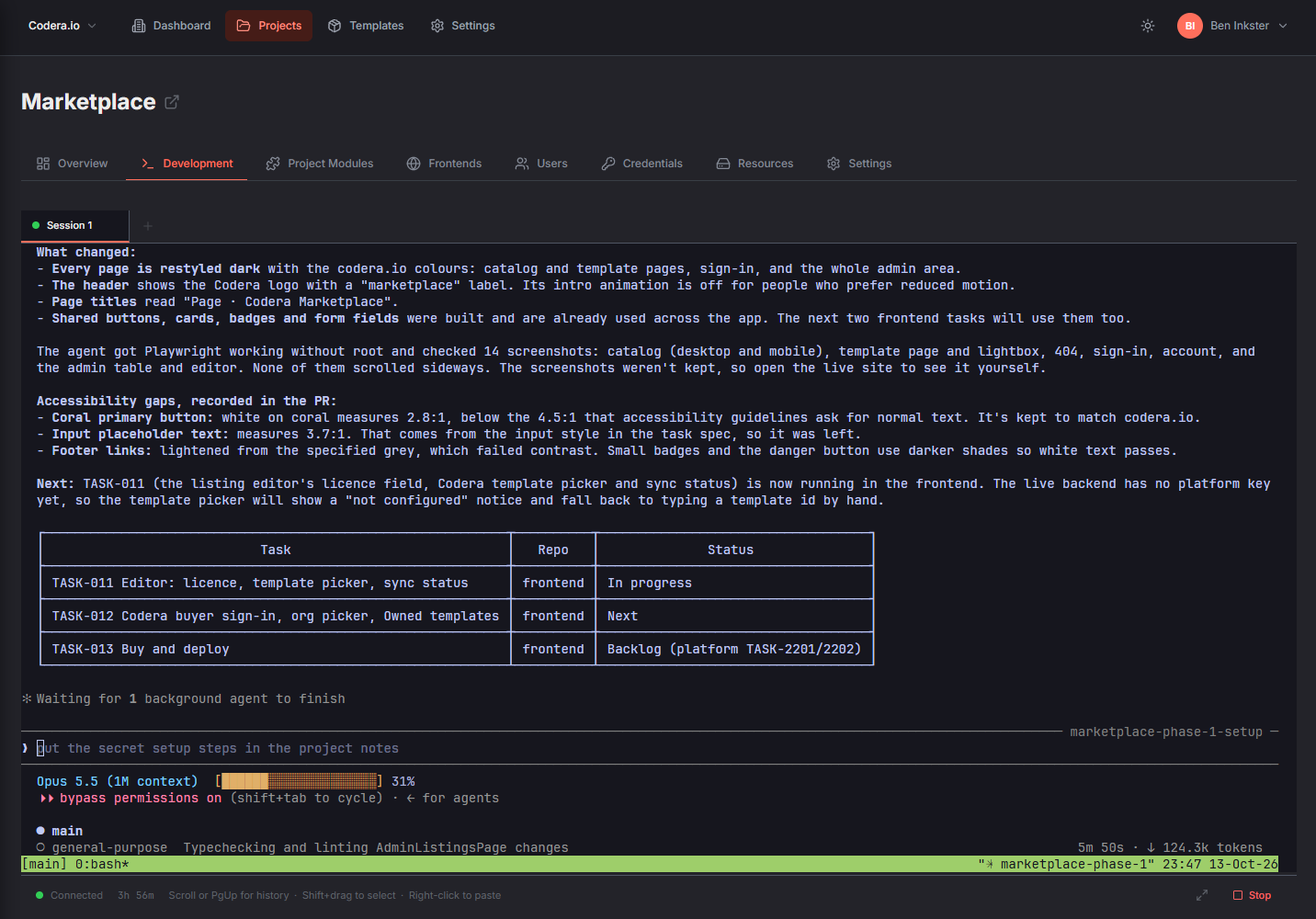
Build with AI, modules, and workflows
Describe features to Claude Code in the AI Dev Environment, switch on prebuilt modules instead of rebuilding them, and add workflows for automations and integrations.
- AI Dev Environment with Claude Code (Professional & above)
- User Management and Stripe Payments modules
- Custom modules in Node.js, Python, or .NET
- Visual workflows, or import from n8n
- Managed data: DynamoDB, S3, Cognito
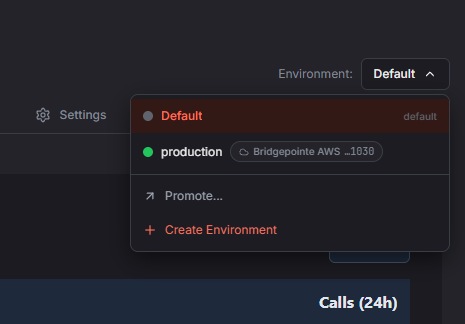
Ship through dev and prod
Deploy into your AWS account, test in a dev environment, and promote to production - on your own domain, with sign-in for your users.
- Dev and prod environments with promotion
- Branch-per-environment builds
- Custom domains with automatic SSL
- Social sign-in and enterprise SSO for your users
Run it, grow it, own it
Watch executions in real time, keep building with your team, and grow on standard AWS services. Your code stays in your GitHub, and you can export your project whenever you like.
- Real-time execution monitoring
- Team roles and audit trail
- Repos survive project deletion
- Export your project anytime
Where everything lives
Codera runs the platform. Your app runs in your AWS account, and your code lives in your GitHub.
Codera
Managed for you
- Dashboard and project management
- AI Dev Environment
- Build and deployment orchestration
- Real-time monitoring (metadata only)
- Users, organizations, and billing
Your AWS Account
Where your app runs
- Frontends on a global CDN (CloudFront)
- APIs and functions (API Gateway, Lambda)
- Data (DynamoDB, S3)
- User sign-in (Cognito)
- Workflows (Lambda, SNS, SQS)
- Credentials (Secrets Manager)
Your GitHub
Where your code lives
- Frontend repositories
- Backend and module repositories
- Admin dashboard
- Orchestrator repo: docs and tasks
Data sovereignty by design: Codera receives only execution metadata (status, timing, step IDs) through signed events. Your payload data and credentials stay in your AWS account, and your source code stays in your GitHub.
Ready to build?
Create your first project in minutes with the free tier.