The whole stack, in one platform
Templates, an AI Dev Environment, backend modules, workflows, frontends, user sign-in, and production deployment - all on your own AWS account, with the code in your own GitHub.
Templates & Blueprints
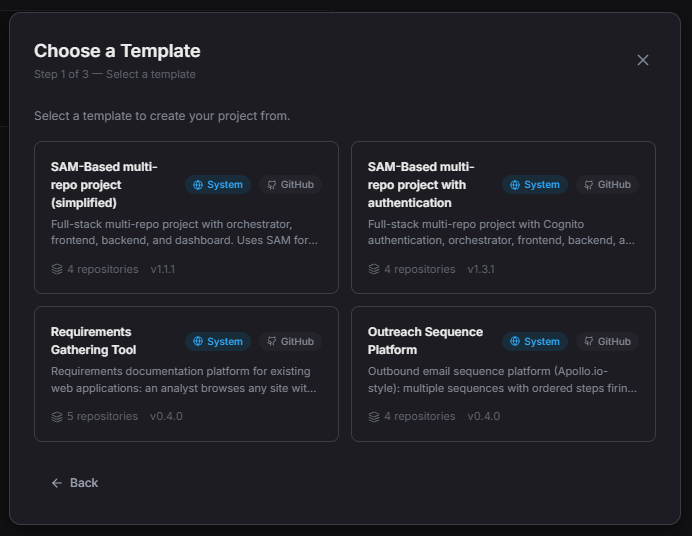
Every project starts as working software - a set of repositories already wired together - instead of a blank page.
Project Templates
Create a project from a template and get a frontend, backend, and admin dashboard that already work together, including sign-in.
- Authenticated React + Tailwind web app
- SAM, CDK, and workflow starters
- Repos in your GitHub or AWS CodeCommit
- Install into existing repos on a fresh branch
Blueprints
Add a new frontend or backend module to an existing project from a template, following the same conventions as the rest of your codebase.
- Add frontends and modules later
- Consistent structure across repos
- No copy-paste setup
- Works with your own templates
Your Own Templates
Turn any project into a reusable template for your organization. Ideal for agencies with a standard starting stack.
- Export any project as a template
- Import from a zip or GitHub
- Shared across your organization
- Reusable client starter kits
AI Dev Environment
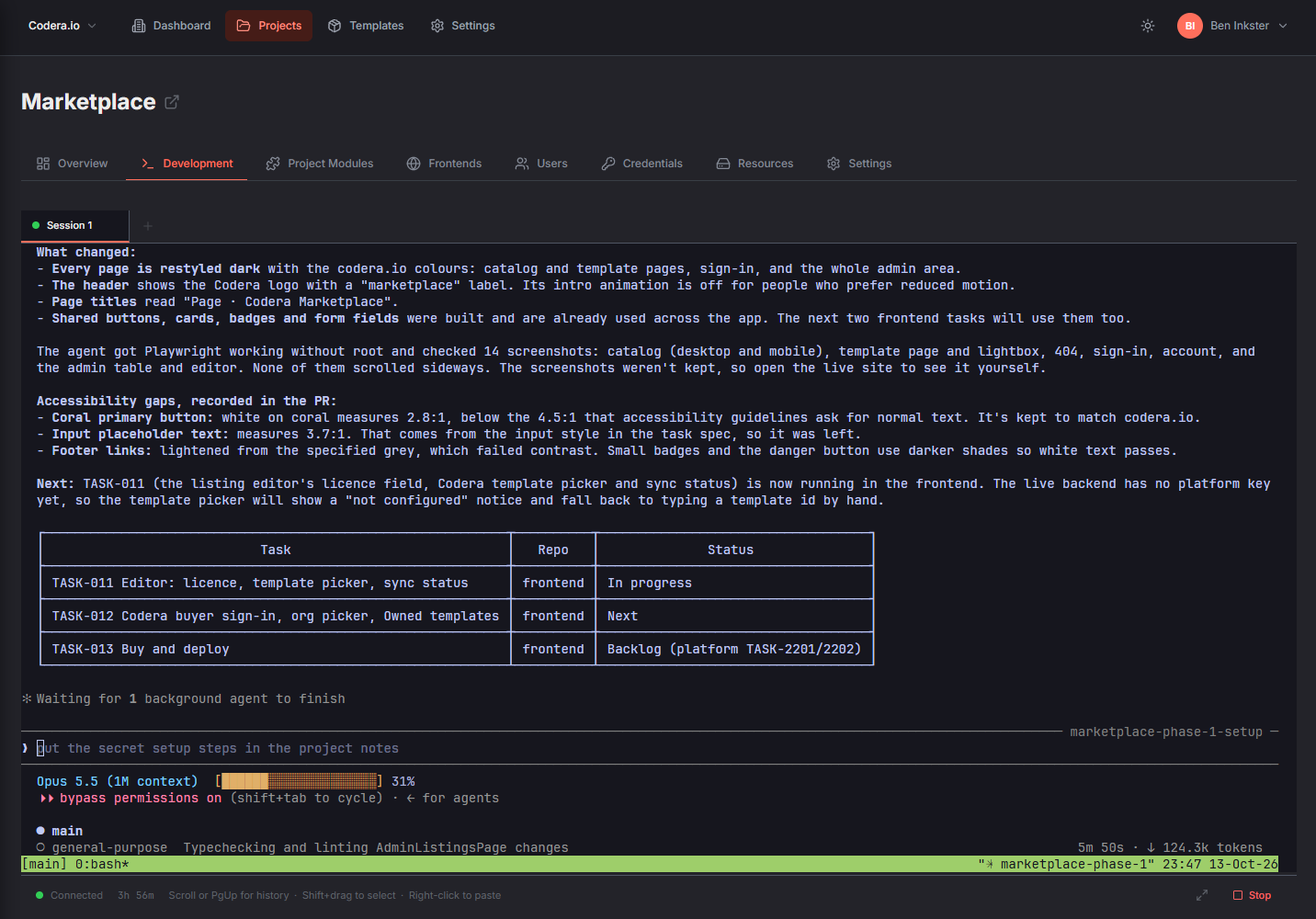
Build with Claude Code in your browser, connected to your project and to Codera's deployment tools.
Explore the AI Dev EnvironmentClaude Code in the Browser
Open a terminal for your project and work with Claude Code directly against its repositories. No local setup, no environment drift.
- Every project repo cloned in
- Sessions that persist and resume
- git and GitHub CLI included
- Professional & above
Platform-Aware AI
Claude works from your project's own instructions and task board, and can use Codera's tools to deploy, check status, and update workflows, modules, and frontends.
- Deploy from the terminal
- Check deployment status
- Edit workflows, modules, and frontends
- Reads project documents and notes
Bring Your Own Claude
Sign in with your own Claude subscription. Codera doesn't meter or mark up AI usage, so your platform bill stays flat.
- Use your existing Claude plan
- No per-token platform fees
- Predictable monthly pricing
- Sign in once, use across projects
Backend Building Blocks
Prebuilt modules for the parts every app needs, plus your own code and visual workflows for everything else.
Prebuilt Modules
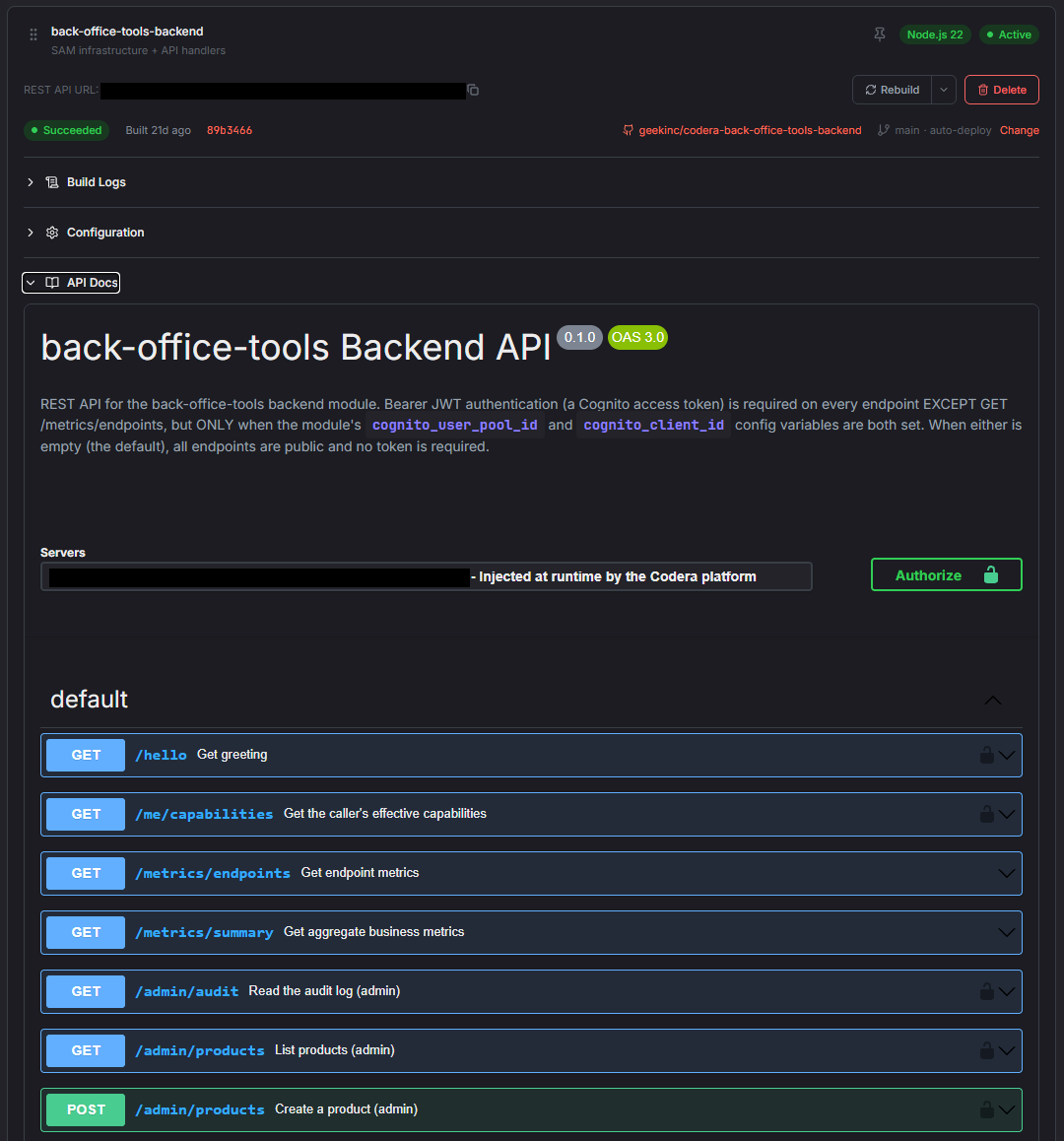
Enable production-ready modules per project. User Management provides sign-up, login, password flows, and sessions. Stripe Payments adds subscriptions, checkout, webhooks, and the customer portal.
- User Management
- Stripe Payments
- One-click enable per project
- Shared, authenticated API
Custom Modules
Write backend modules in the language you know. Push to GitHub and Codera builds and deploys your handlers on the project's shared API.
- Node.js 20 / Python 3.12 / .NET 8
- Starter templates
- Push-to-deploy
- Managed build pipeline
Visual Workflows
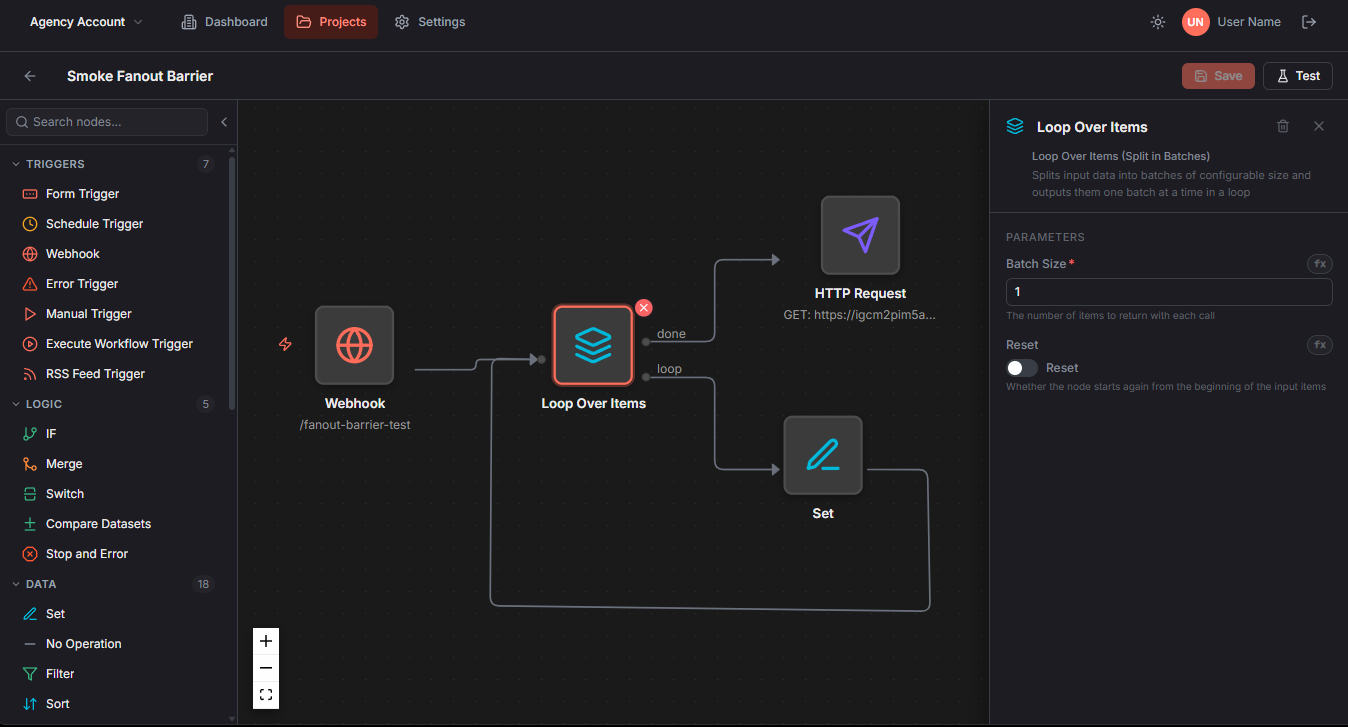
Build automations and integrations in a drag-and-drop editor, with JavaScript code nodes when you need them. Migrating from n8n? Import your existing workflows.
- Drag-and-drop editor
- Expression editor with autocomplete
- Isolated test runs
- Import from n8n
Data & Resources
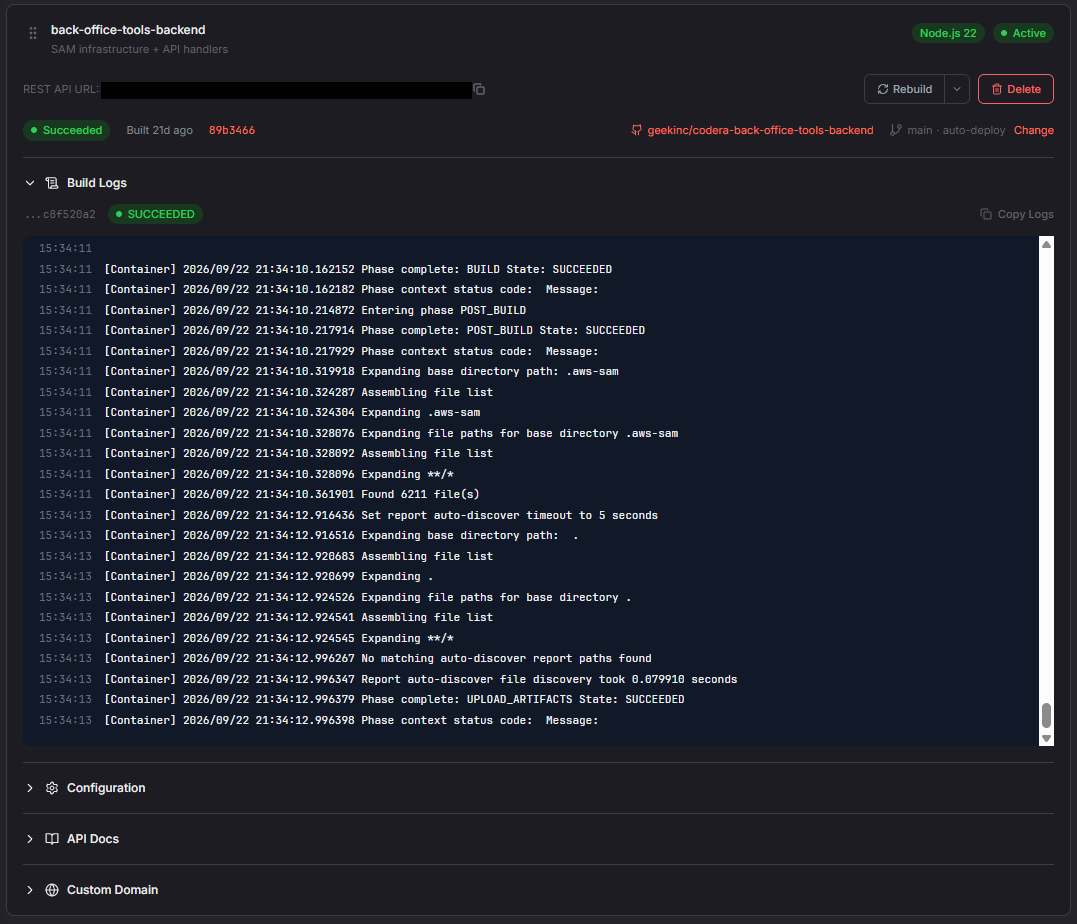
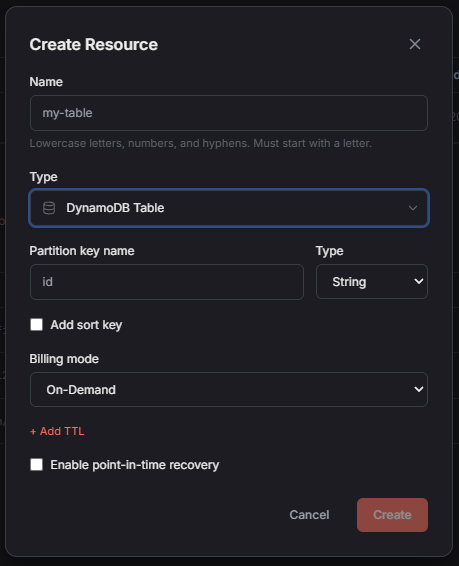
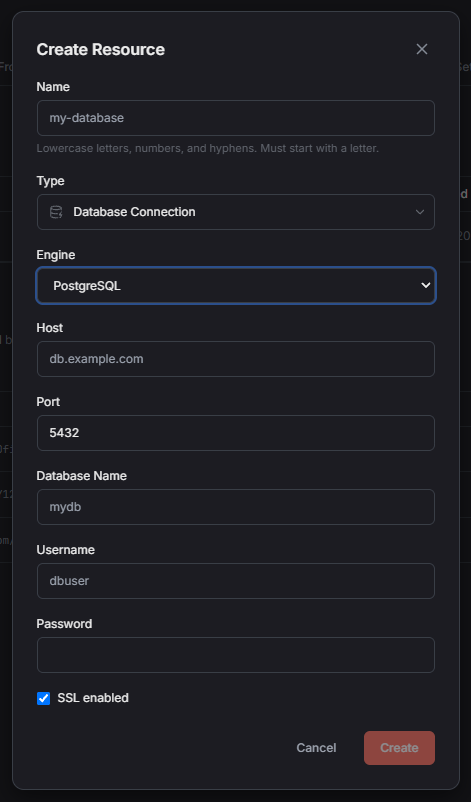
Add managed data resources to your project and Codera provisions them in your AWS account with access scoped to your app.
- DynamoDB tables
- S3 buckets
- Cognito user pools
- Connect your own Postgres or MySQL
Frontends & Users
Ship your own frontend, with sign-in for your users handled by the platform.
Custom Frontends
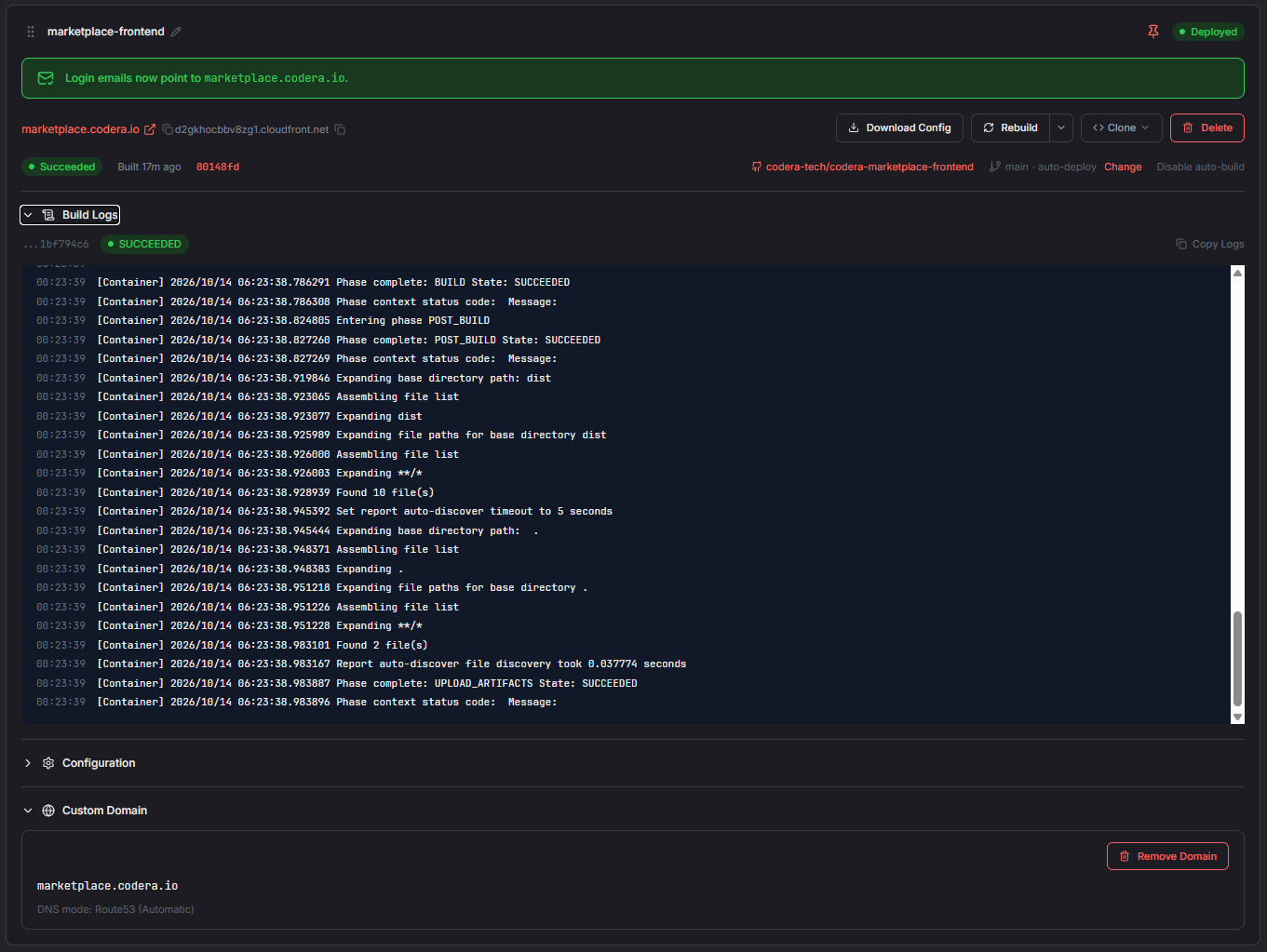
Connect a frontend repo and Codera builds it on every push and hosts it on a global CDN in your AWS account.
- Any React or static frontend
- Build on push
- Global CDN hosting
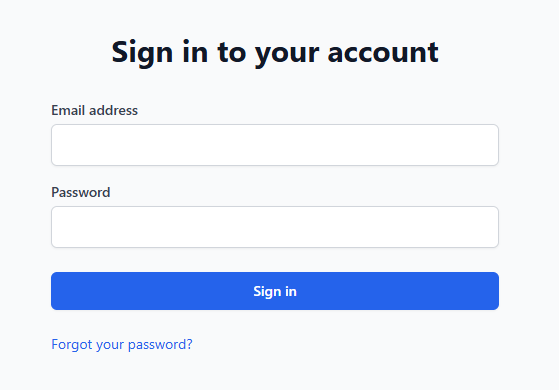
- Optional sign-in gate
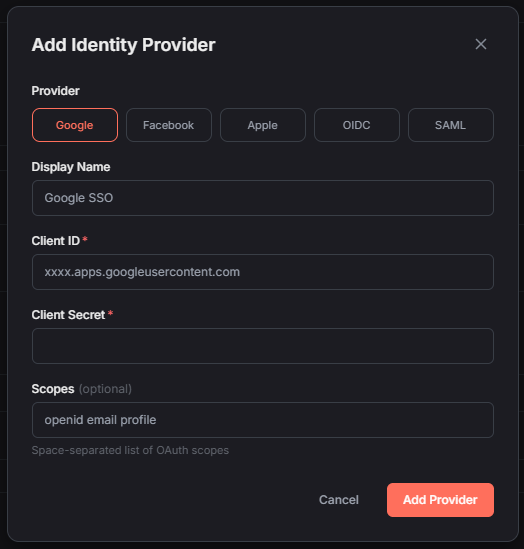
Sign-In & SSO for Your Users
Each project gets its own user directory. Let your customers sign in with social accounts or their company's identity provider.
- Separate user pool per project
- Google, Facebook, and Apple
- Enterprise SSO (SAML, OIDC)
- Professional & above
Form Portals
Publish branded forms that collect submissions and trigger workflows - no frontend code required.
- 12 field types
- Multi-page flows
- Theme and logo editor
- Custom domains
Deployment & Environments
Production infrastructure in your own AWS account, with the workflow a real team needs to ship safely.
Your AWS Account
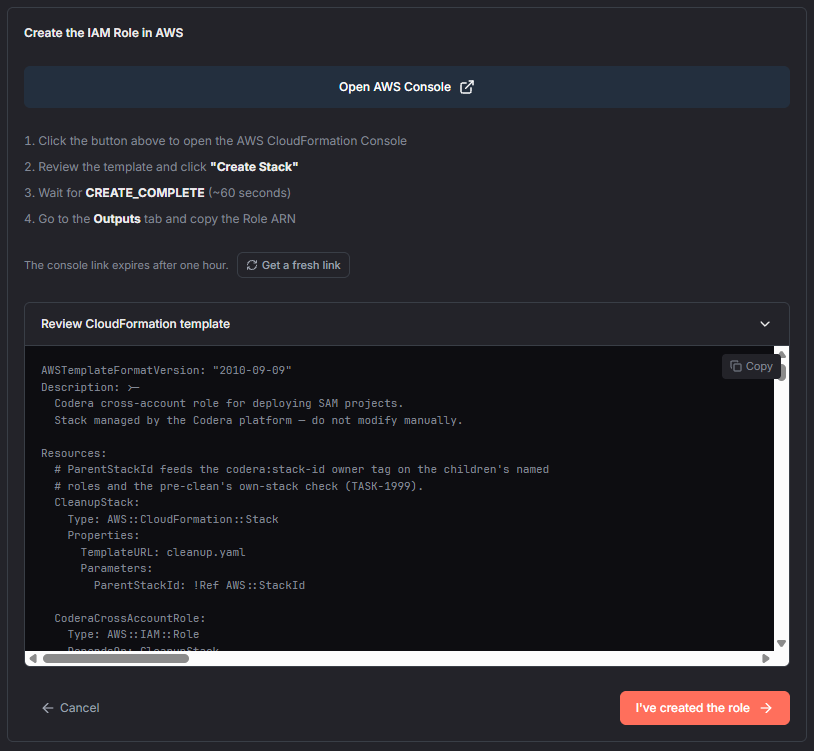
Connect your AWS account with a one-click setup. Everything Codera deploys - functions, APIs, databases, frontends - runs there, and you can revoke access at any time.
- One-click account connection
- Serverless, scales to zero
- Pay AWS directly, no markup
- Revoke access anytime
Environments & Promotion
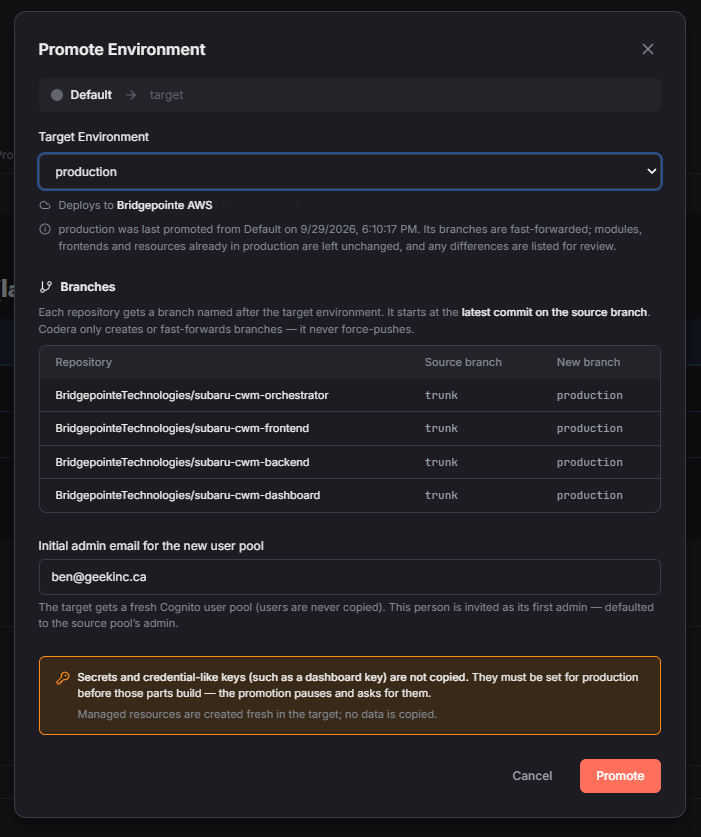
Run separate dev and prod environments and promote between them. Each repo can get a branch per environment, so a push builds straight into the right place.
- Dev → prod promotion
- Branch-per-environment builds
- Promote into a different AWS account
- Professional & above
Custom Domains
Put your frontends, APIs, and portals on your own domain, with SSL certificates issued and renewed automatically.
- Frontends, modules, and portals
- Automatic SSL
- Your DNS, your domain
- Professional & above
Monitoring & Audit
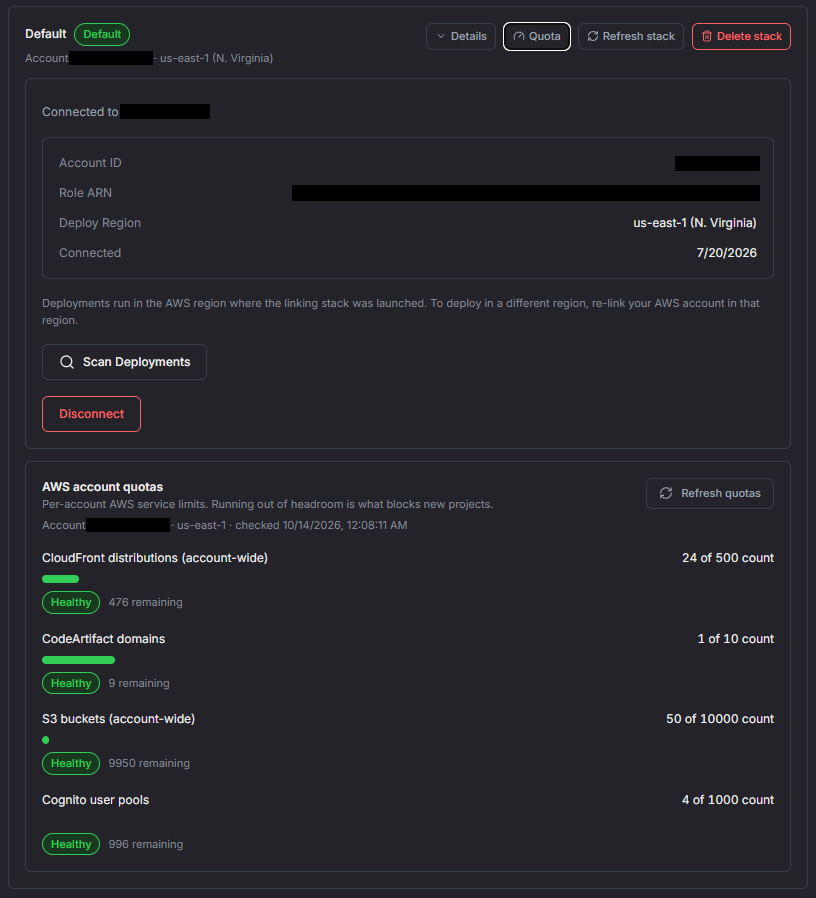
See what your app is doing, and how much headroom your AWS account has left, without shipping your data anywhere.
Real-Time Executions
Watch workflow executions step by step as they happen, with timing and status for every node.
- Live updates
- Step-by-step visibility
- Execution timeline
- Error pinpointing
Metadata-Only Telemetry
Signed status events flow from your account to the Codera dashboard. Your payload data never crosses the account boundary.
- Signed and verified events
- Metadata only
- Retention by plan
- No payload data stored
Audit Trail
Every action in your organization is logged with who did it and when, alongside AWS CloudTrail in your own account.
- Actor tracking
- Filterable logs
- CloudTrail in your account
- Per-organization history
Ownership & Security
Codera builds and deploys your software. You keep the code, the infrastructure, and the data.
Code in Your GitHub
Project repositories are created in your own GitHub organization, or in AWS CodeCommit in your account. Deleting a project never deletes your repos.
- Your GitHub organization
- Or CodeCommit in your AWS
- Repos survive project deletion
- Export your project anytime
Credentials in Your Account
Credentials are stored in AWS Secrets Manager in your account. Codera keeps only a reference, and secret values are never sent back to the browser.
- AWS Secrets Manager
- Reference-only storage
- Never shown after saving
- Assigned per workflow
Your Data Stays Put
Your business data lives in your AWS account, in the region you choose, encrypted at rest with AWS-managed keys.
- Choose your AWS region
- Encryption at rest
- Signed webhook verification
- Revoke access anytime
Built for Agencies & Teams
Manage every client from one login, and deliver projects the client actually owns.
Client Organizations
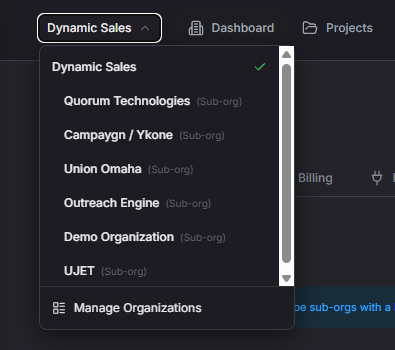
Create an organization for each client with its own projects, AWS account, and GitHub - all billed under your agency plan.
- Up to 10 on Agency
- Professional features for each client
- One login, one org switcher
- Billing managed by your agency
Client-Owned Delivery
Build in your own AWS account, then promote into the client's. Keep code in the client's GitHub, including existing repos under strict policies.
- Multiple AWS accounts
- Multiple GitHub connections
- Promote to client accounts
- Clean handoff
Team Roles
Invite your team and give each person the right level of access across the organization.
- Owner, admin, member, viewer
- Email invitations
- Permissions enforced per role
- Audit trail per action
See it in action
Start your first project today - free tier, no credit card.